
Local AI in Flutter: useful features, fewer paid API calls
Use Apple Foundation Models to summarize notes on-device and reduce paid API calls.
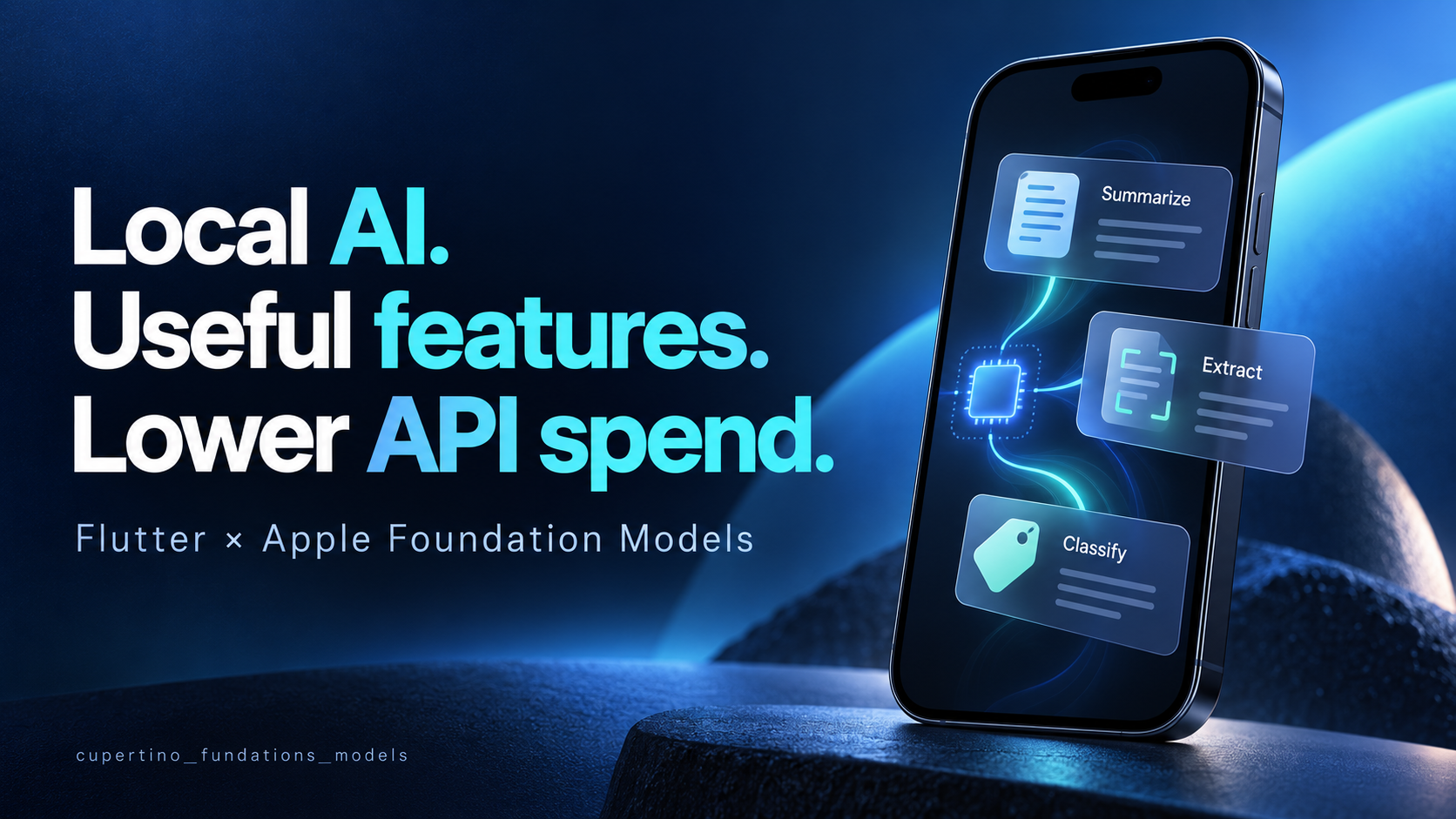
A “Summarize” button is a small feature. When every tap calls a paid AI endpoint, it also becomes a recurring expense.
For some features, the iPhone can do the work itself. A short note becomes a summary. A message becomes a few fields in a form. A journal entry gets a suggested category. The user gets something useful, and that successful local request never reaches your paid cloud model.
I built cupertino_fundations_models to bring Apple's native Foundation Models framework to Flutter through Dart. Let's use it for a notes feature, then work out where the savings actually come from—and where they don't.
Start with a feature someone will use
Imagine a user saves this note:
Launch Friday. Maya owns onboarding. Test password reset. Pricing still needs approval.
They tap Summarize, review a short suggestion and choose whether to keep it. The original note stays available. If local AI is unavailable, they can still read and edit their note normally.
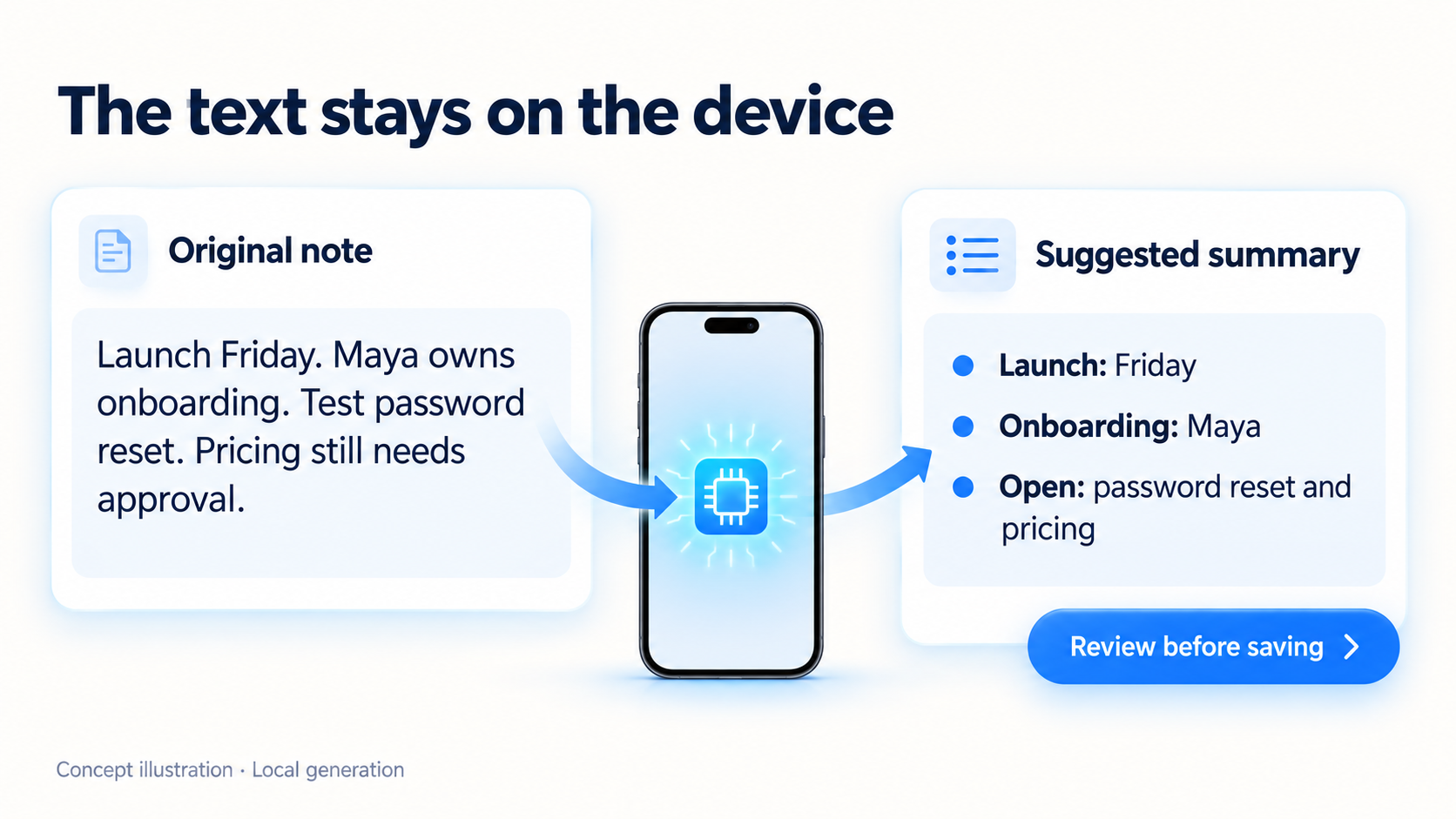
Concept illustration, not a screenshot or a measured model response. Actual output varies; the user reviews it before saving.
This is a useful place to start because the task is bounded, the input is already in the app, and the person can judge the result.
Here are a few other candidates:
| Feature | Useful result | What the app still owns |
|---|---|---|
| Summarize a short note | A preview the person can scan | Preserve the original and allow corrections |
| Rewrite a draft message | An editable alternative | Let the person decide what to send |
| Extract fields from text | Suggestions for a form | Check missing values and business rules |
| Classify a note | One of your app's known categories | Keep an “other” option and manual selection |
For extraction and classification, the package supports guided generation with a StructuredSchema. That gives your app an output contract instead of a string it must try to repair into JSON. The recipes include complete examples and checks on the decoded result.
Put the summary behind one function
Install the native bridge:
flutter pub add cupertino_fundations_models
Rebuild the iOS host after installation. Hot reload cannot install the native Swift plugin. The setup guide covers the required Flutter, Xcode and iOS setup.
This function checks availability, creates a local session and releases it when finished. Give it a short passage, not an entire document archive.
import 'package:cupertino_fundations_models/cupertino_fundations_models.dart';

Future<String?> summarizeOnDevice(String text) async {
  if (text.trim().isEmpty) return null;
  final models = CupertinoFoundationModels();
  FoundationModelSession? session;
  try {
    final availability = await models.checkAvailability(
      mode: ModelMode.local,
      cloudPolicy: CloudPolicy.never,
      localeIdentifier: 'en_US',
    );
    if (!availability.isAvailable) return null;

    session = await models.createSession(
      options: const SessionOptions(
        mode: ModelMode.local,
        cloudPolicy: CloudPolicy.never,
        localeIdentifier: 'en_US',
        instructions:
            'Summarize the supplied passage in three short English bullets. '
            'Use only facts present in the passage.',
      ),
    );
    final response = await session.respond(
      Prompt.text(text),
      options: const GenerationOptions(maximumResponseTokens: 180),
    );
    return response.text;
  } on FoundationModelsException {
    return null;
  } finally {
    await session?.dispose();
  }
}
Call it from the summary action, show a loading state and prevent overlapping requests on the same session. Display the suggestion beside the source. A null result keeps the manual workflow usable; a full app should distinguish typed errors and handle cleanup failures too.
The output token limit keeps the response short; it does not guarantee that the input fits. Change the locale and instructions together for another supported language.
This example was read against the package source, not run on a device for this article. Try your actual inputs and supported devices before shipping.
The cost you can remove
Apple introduced on-device Foundation Models inference without an inference fee. With ModelMode.local and CloudPolicy.never, this example does not call a paid external AI endpoint or need its API key.
That can remove the provider's usage charge for the tasks completed locally. It can also remove the need for a dedicated AI proxy endpoint for this feature if you would otherwise have built one. The plugin supplies the Dart-to-Swift bridge, so you can work on the feature rather than start that integration from scratch.
Your authentication, storage and other backend services may still be needed. Device computation uses energy, and integration, compatibility work and support still cost time. “No inference fee” is not “the whole app costs nothing.”
Work out the savings with your own numbers
Suppose your app has 10,000 active users, each requesting six summaries per month. That is 60,000 summary requests.
For illustration only, assume your average cloud cost is $0.0025 per completed summary, including the input and output tokens for that task. This is an invented planning assumption, not a current provider quote or a package benchmark. Replace it with your measured cost.
| Requests successfully handled locally | Remaining paid cloud requests | Cloud inference spend per month | Avoided cloud spend per month |
|---|---|---|---|
| 0% | 60,000 | $150.00 | $0.00 |
| 25% | 45,000 | $112.50 | $37.50 |
| 50% | 30,000 | $75.00 | $75.00 |
| 75% | 15,000 | $37.50 | $112.50 |
This comparison assumes the same demand, one equivalent paid request for each task that stays in the cloud, and no additional paid retries. It compares cloud inference charges only, not total development or operating costs.
The useful formula is:
avoided API spend = tasks completed locally × cloud cost of the equivalent task
Count successful local completions, not just supported phones. A device may be eligible while the model is unavailable, and a local result may still need a retry or fail your app's acceptance rules. Any later paid request must be included in the comparison.
If your cloud usage is covered by a free tier, the immediate monetary saving could be zero. You may still value offline use or the local data boundary. If the avoided spend is small, integration and support effort may outweigh it.
Choose local tasks; keep a deliberate fallback
Supported iPhones include iPhone 15 Pro, 15 Pro Max and iPhone 16 models or later. Apple Intelligence settings, language, region and model assets also matter; check Apple's current requirements and native availability rather than relying on a model-name list alone.
Apple's on-device model is designed for focused language tasks. Its framework introduction describes summarization, extraction and classification as useful fits, rather than treating it as a replacement for server-scale reasoning.
| Need | Approach I would start with |
|---|---|
| Short text already in the app | Try local generation and check result quality |
| Exact totals, permissions or payment decisions | Keep deterministic application code in control |
| Current information from outside the app | Use an explicit data source; the local model is not web search |
| Long documents or demanding reasoning | Evaluate a suitable model and context strategy separately |
| Unsupported platform or unavailable model | Offer the manual feature, or a cloud option the user explicitly chooses |
The package does not automatically forward failures to another provider. Your app decides whether a cloud alternative exists, explains the data transfer and controls its budget. If you offer it, that choice should be visible to the user.
Once Apple's model assets are ready, local inference can work offline. Initial downloads need connectivity; app-defined tools can still make network calls, and Speech has separate settings. Keep those distinctions clear in your UI.
Ship one useful button before building an AI assistant
Start with the summary feature. See whether people keep its results, whether it works for their inputs, and how many paid requests it actually replaces. Those answers tell you more than counting how many AI features you added.
For the next step, the task recipes cover structured fields and classification. The usage guide covers sessions, streaming and cancellation, and the example app shows the APIs together.
The package is available on pub.dev. Pick a small feature your users already need, put the local model behind it, and measure the difference before expanding.